
Block-based editor
Write posts & pages in a visual Puck + Tiptap editor — drag in hero sections, galleries, and FAQ accordions.
NextPress is the publishing engine you run yourself — the classic CMS model you already know, rebuilt server-first on Next.js. No PHP, no tracking, with SEO and security baked into core. One repo, one deploy, your data.
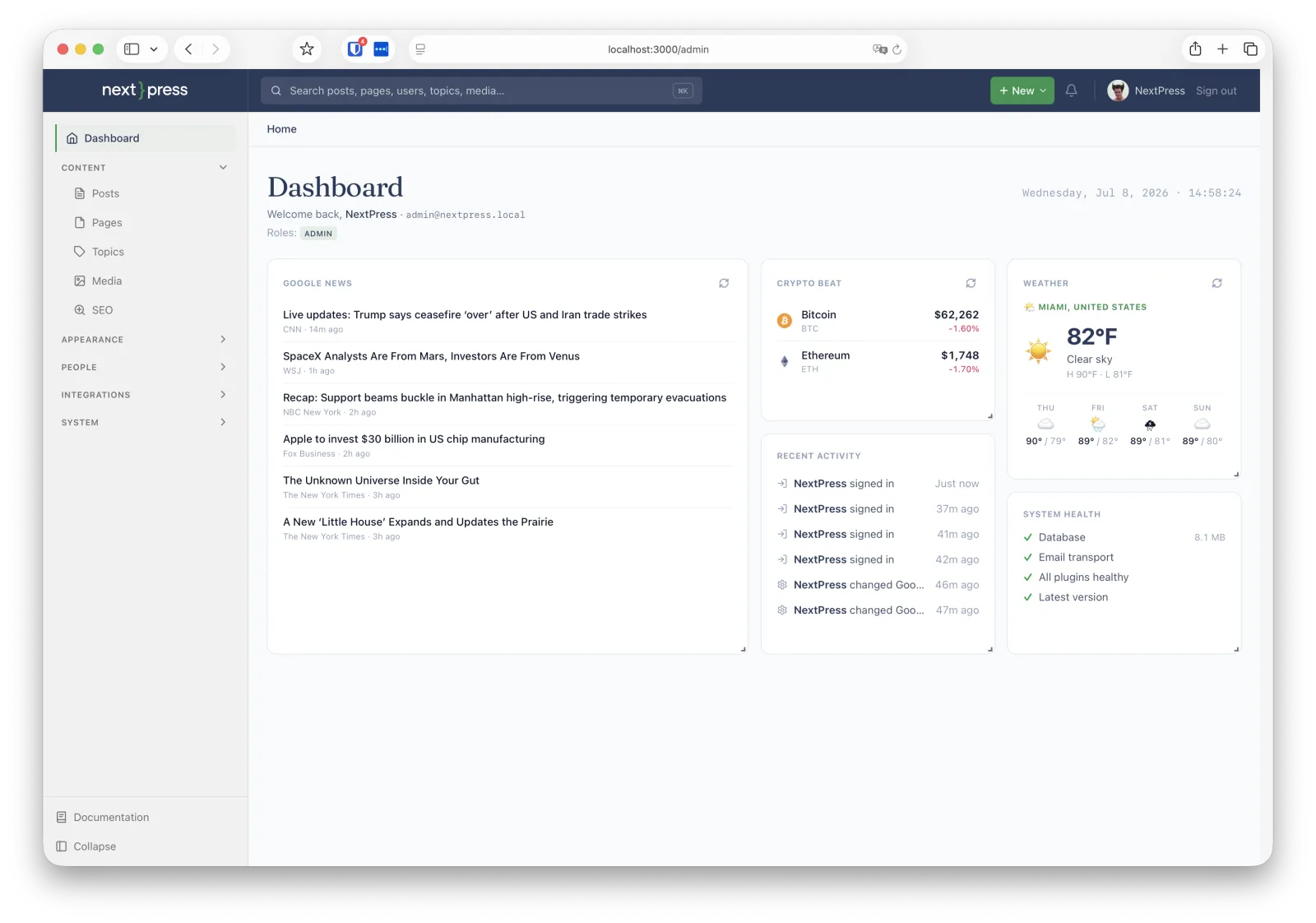
If you've run the classic PHP CMS, NextPress feels familiar from day one — the same mental model, rebuilt type-safe and server-first.
| The classic CMS | NextPress |
|---|---|
| Posts & post types | Posts with typed schemas & revisions |
| Categories & tags | Topics (flat) + Pillars & Spikes (hub-and-spoke) |
| Actions & filters | Type-safe hook bus (actions + filters) |
| Plugins (PHP) | Isolated TypeScript plugins — own data, migrations & routes |
| Themes | Swappable presentation layer + visual builder |
| Options table | Settings registry with Zod validation & encryption |
| Roles & capabilities | Granular permissions + step-up auth |
| Sitemap / RSS / robots (plugins) | Built-in and load-bearing — ships in the essential tier |
Content, media, themes, plugins, and a REST API. The pieces you'd reach for a subscription to add are already in the box.
Write posts & pages in a visual Puck + Tiptap editor — drag in hero sections, galleries, and FAQ accordions.
Topical clusters: one overview Pillar auto-links its focused Spikes, wiring internal links and sitemap structure.
Uploads, galleries, automatic WebP. Keep blobs in the DB or swap to Cloudflare R2 — no code change.
Structured navigation and rich mega-menus, built in the admin — without touching a theme file.
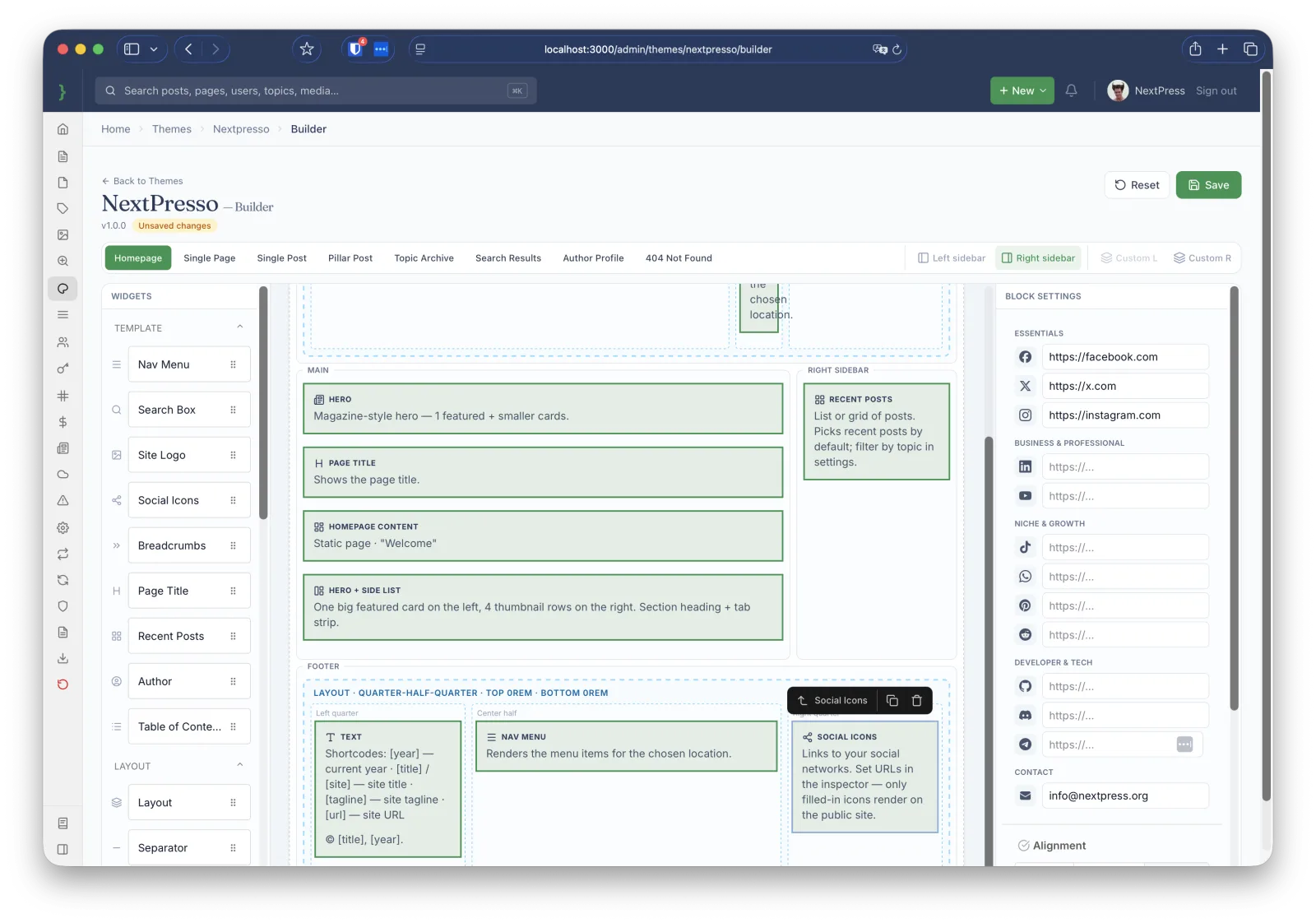
Swap the presentation layer per site and customize templates, fonts, and colors in a visual builder.
Every feature is a plugin with its own data, settings, migrations & hooks. A broken one is sandboxed — never takes the site down.
Bearer-token REST API with rate limiting and per-token IP allowlists for headless frontends and mobile apps.
Pull a new release — your customizations live in plugins and themes, not patched-into core.
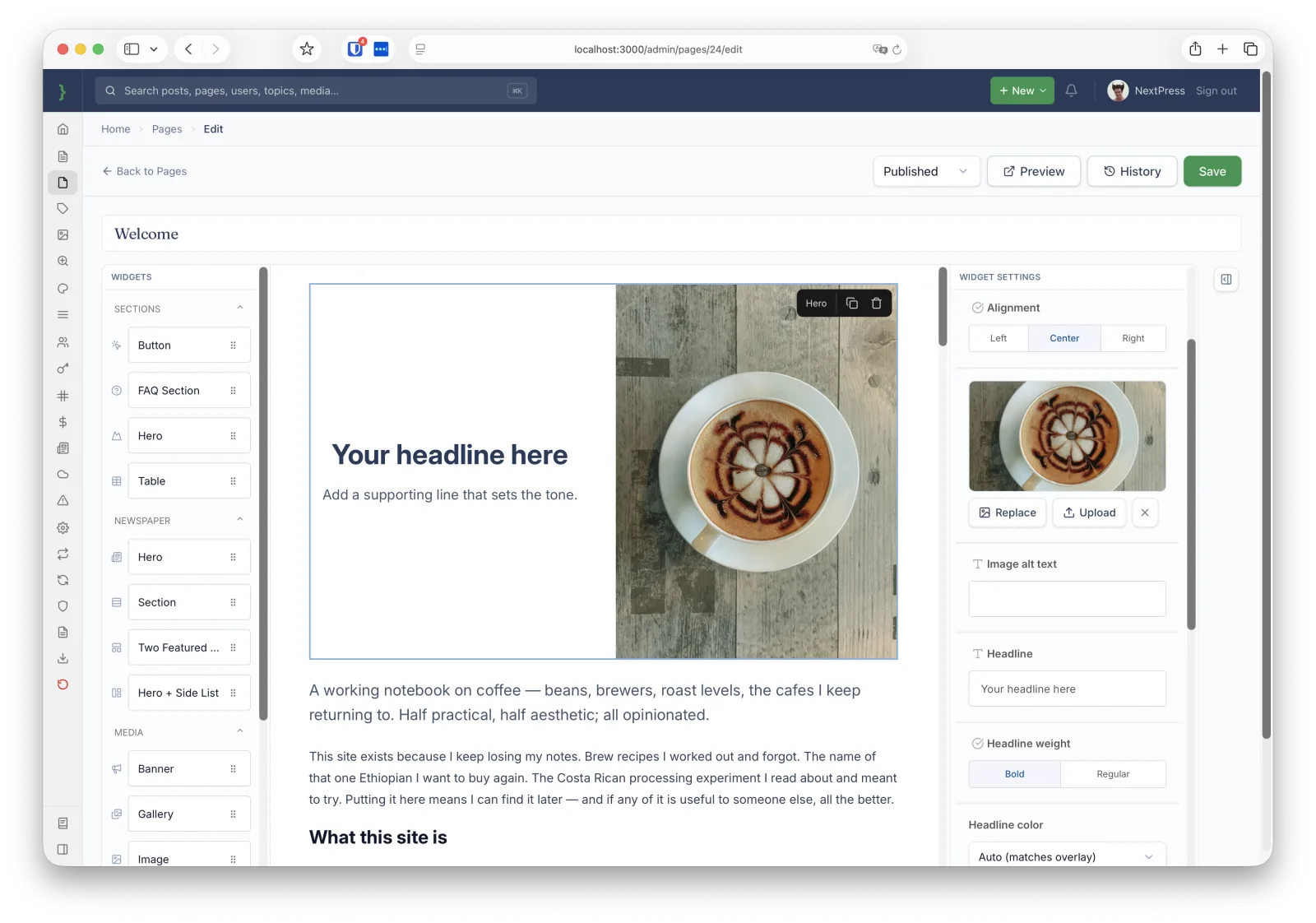
Compose posts and pages by dragging blocks into place. Hero sections, image galleries, and FAQ accordions are first-class, powered by Puck + Tiptap and backed by typed block schemas.
The visual theme builder edits templates, fonts, and colors live — no rebuild, no theme file spelunking. Swap the whole presentation layer per site while your content stays put.
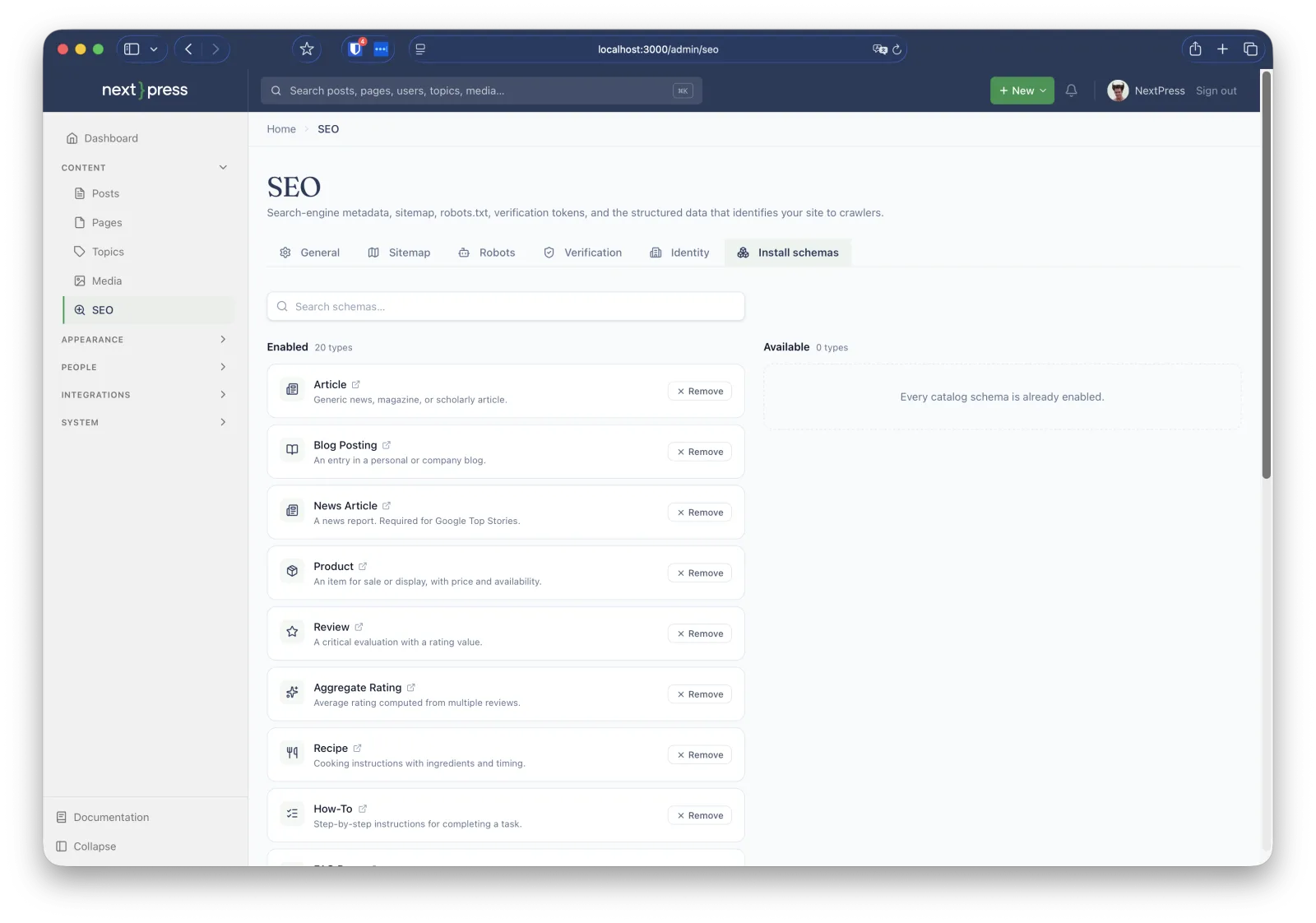
Sitemaps, schema.org structured data, canonical URLs, RSS, and OG/Twitter cards ship in an essential-tier plugin that loads even when every optional plugin fails. Per-post meta and a redirects manager are built in.
The admin, the editor, media, themes, SEO, security, and the public site it renders. Click any shot to zoom in.
No screenshots in this category.
The two things sites get wrong under pressure are the two things NextPress refuses to make optional.
Ships in an essential-tier plugin that loads even if every optional plugin is disabled.
Defense in depth on the auth path — encrypted, audited, and lockable out of the box.
Plugins are TypeScript files in your repo — install one by cloning it, uninstall by deleting it. Every plugin brings its own data, settings, migrations, and hooks, and a broken plugin is isolated at boot. Consume everything over a Bearer-token REST API.
Runs on Node.js 22+. Turso is optional — skip it and NextPress writes to a local SQLite file, perfect for kicking the tires.
Deploying for real? Fork the repo, create a Turso database,
import at vercel.com/new, and set
AUTH_SECRET + TURSO_DATABASE_URL + TURSO_AUTH_TOKEN. The build runs
plugins:discover + migrate for you. Full walkthrough in the
docs.
One repo, one deploy, your data. Fork it, finish the wizard, and publish your first post in under ten minutes.